
Regular Expressions in Construction

Regular expression is quite underestimated technology in Construction and Engineering world. Mostly cause its looks quite weird, not intuitive, and complicated. But that’s only looks. This article shows how to use it without issues. To do so we limit syntax by few most useful symbols – dot and astricks, and wrap it into brackets. Its easiest way to read, understand and implement for your tasks.
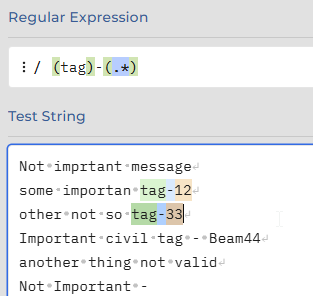
Use regular expression with BIM - regex example with Tag and Token

In engineering world searching mostly based on project naming conventions. With regex you can identify that equipment is match with conventions. Check items that do not match with it at all. Setup income data check. Implement rapid fixes.

Regex – its a kind of pattern language. You define pattern value, and engine use it to find anything that much with it. What make it powerful – is Tokens. Your search patten can contains more than one item to search simultaniously, and as soon as it has been found – you can play with that.
Continue reading

BIM in Blender with Bonsai

Liberation of 3D grapfic with tools such as Blender – always had the potential to change the ground not only for visual part, but also potential to unlock all sort of other implementations –  SOLID, CAD, BIM.

Blender already took a huge share on additive technology market, by replacing usual CAD and SOLID tools for engineering. Many cases shows that mesh modeling in fact gives shortcut from idea to product printout.

But now It goes to new and literaly big area – BIM software free by nature, with unlimited customization potential for all sort of implementation. It might overthrow current balance in Construction industry:

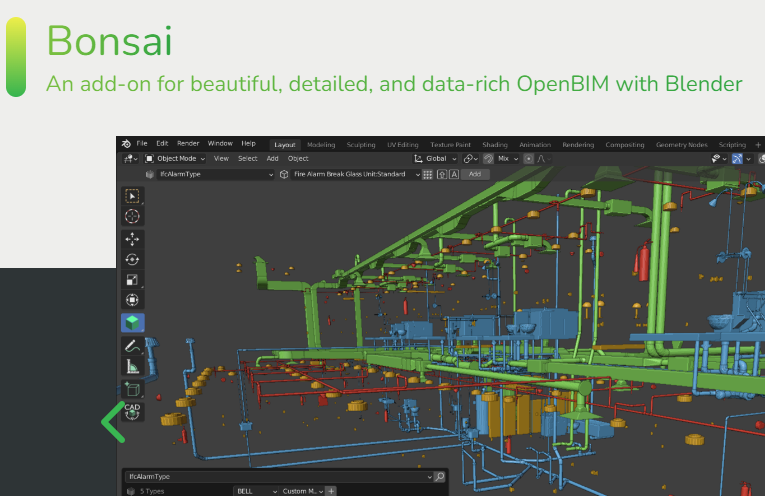
Blender Bonsai Bim Ifc

BonsaiBIM extension for Blender blends CAD modeling with 3D enviroment with align of BIM approach and IFC specifications.

NavisWorks – SearchSet’s

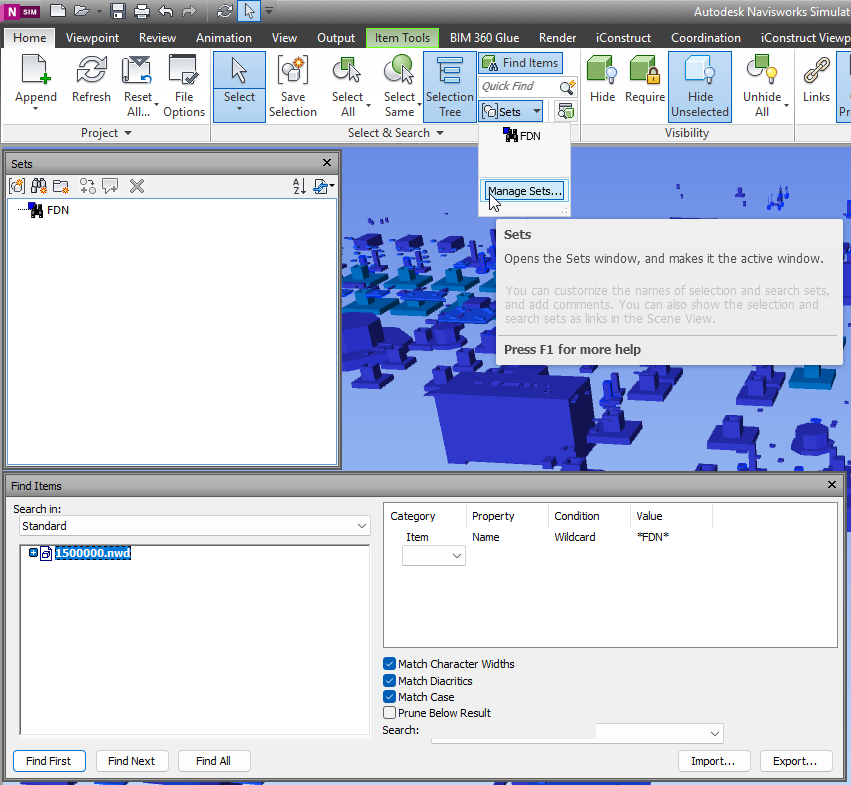
With NavisWorks Simulate and Manage you can use Find Items panel to search across details. Usual flow – is to identify Category and properites which allow to find right element. Then design the query. If query is correct – you can proceed with result, if not you can adjust query. When you query is perfect, and for some reason you may need it again – sets are desinged to help you.

When you get collection of search sets – it might be userfull to export it and use same set with another NavisWorks models. So lets dive deeper it this matter.

NavisWorks Search Sets

Continue reading